

Import JSON data into Google Sheets in seconds
ImportJSON is a powerful add-on designed to fetch, parse, and analyze JSON data directly in your Google Sheets with no coding skills required.
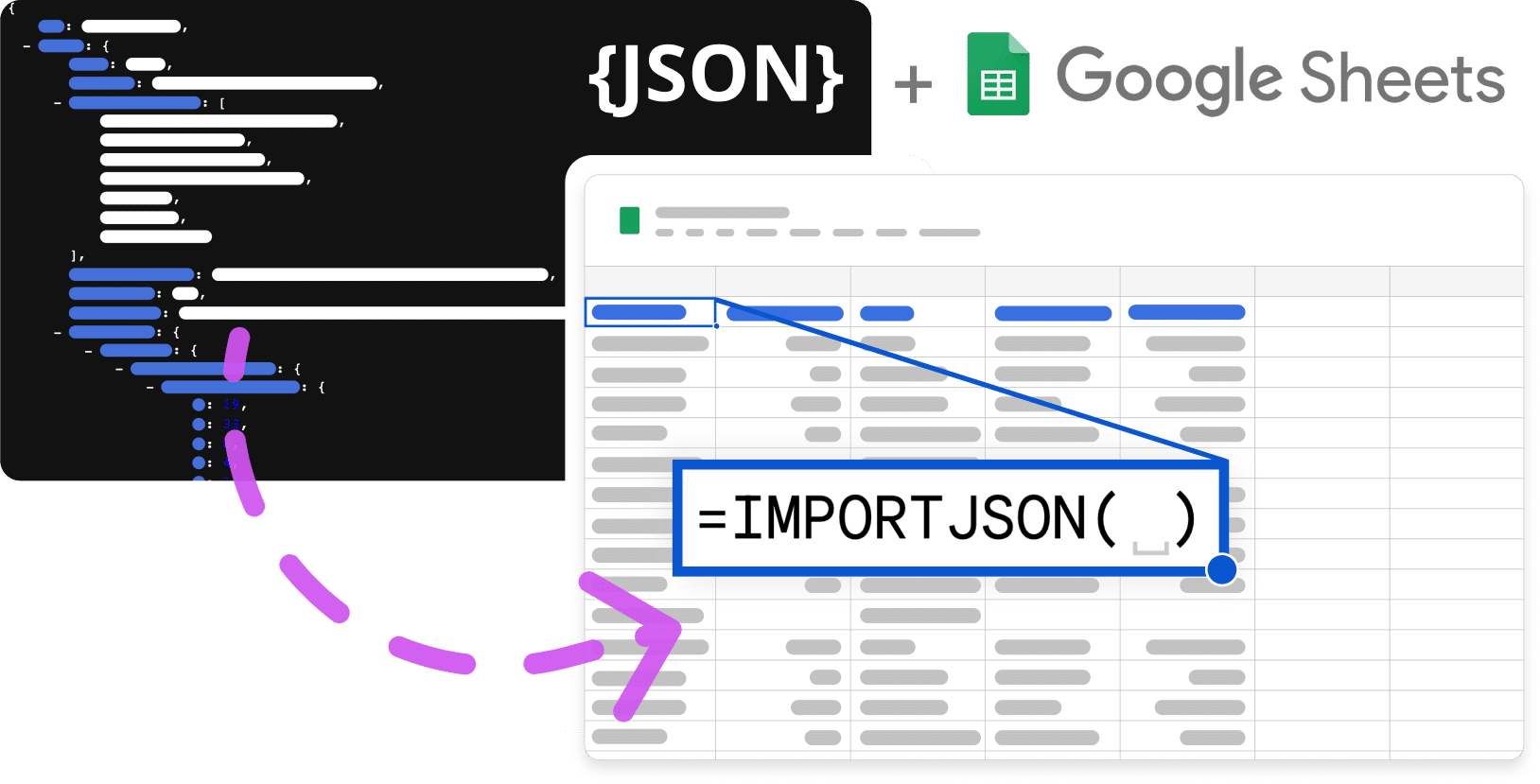
Just type =IMPORTJSON() and unlock any API data
Cross, manipulate and analyze JSON data with no coding skills
ImportJSON transforms complex API responses into actionable insights right in your spreadsheet. No technical expertise required.
Add to Google Sheets for FREE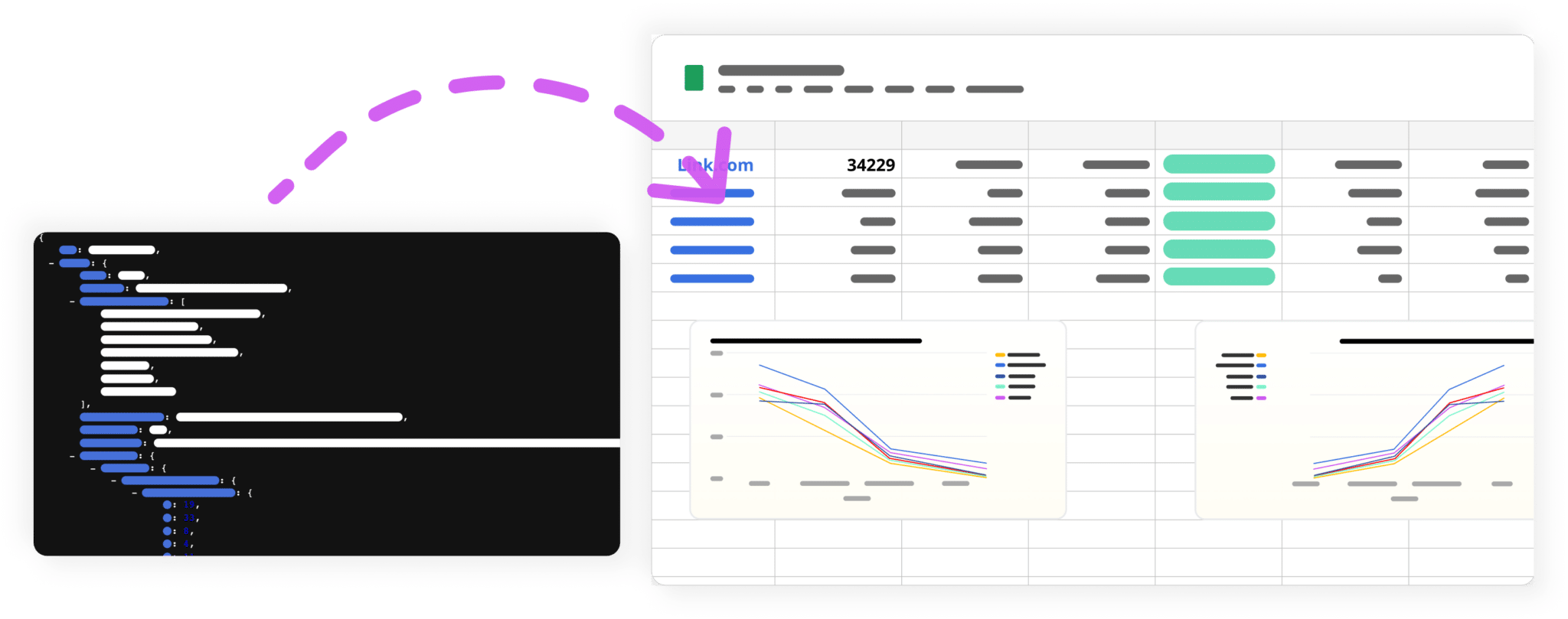
More than 200,000 users already use the ImportJSON add-on!
❤️ by thousands of users
A score of 4.6/5 in the Google Workspace Marketplace
Just the tool I needed to save time and money, a repetitive job that wasted at least 10 hours of my life each week now takes seconds, that's 21 days a year.
– Scott
ImportfromWeb has been an amazing tool for me, saving me endless hours and making my data capture incredibly easy and convenient.
– Betsy
As a mere code-ignorant, I was looking around to find a solution to my scraping problem. ImportFromWeb is a must have Google Sheets function.
– C.A.
This tool is fantastic for web scraping. The support team is responsive and helpful. 11/10 would recommend.
– Michael T.
ImportFromWeb has transformed how we collect market data. What used to take days now takes minutes.
– Sarah
Been using ImportFromWeb for a very long time. Stability is so good I sometimes go months without thinking about it… just works.
– Ben Webster
I just implemented ImportFromWeb in like 5 minutes. Data in my sheets in seconds. I am sold.
– Lola
Ripped out my old solution and moved to ImportFromWeb. The app is ridiculously easy to use and docs are great.
– Harvey
I've been so impressed since migrating almost all our data extraction. The peace of mind is amazing and the responsiveness of their support team is next level.
– Kieran Masterton
The API is solid as gold. ImportFromWeb = 💚
– Tyson L.
Couldn't be happier with the experience. Makes web scraping accessible to everyone.
– Dan F.
I have nothing but huge love for ImportFromWeb. A true game-changer for data collection.
– Anna M.
Just the tool I needed to save time and money, a repetitive job that wasted at least 10 hours of my life each week now takes seconds, that's 21 days a year.
– Scott
ImportfromWeb has been an amazing tool for me, saving me endless hours and making my data capture incredibly easy and convenient.
– Betsy
As a mere code-ignorant, I was looking around to find a solution to my scraping problem. ImportFromWeb is a must have Google Sheets function.
– C.A.
This tool is fantastic for web scraping. The support team is responsive and helpful. 11/10 would recommend.
– Michael T.
ImportFromWeb has transformed how we collect market data. What used to take days now takes minutes.
– Sarah
Been using ImportFromWeb for a very long time. Stability is so good I sometimes go months without thinking about it… just works.
– Ben Webster
I just implemented ImportFromWeb in like 5 minutes. Data in my sheets in seconds. I am sold.
– Lola
Ripped out my old solution and moved to ImportFromWeb. The app is ridiculously easy to use and docs are great.
– Harvey
I've been so impressed since migrating almost all our data extraction. The peace of mind is amazing and the responsiveness of their support team is next level.
– Kieran Masterton
The API is solid as gold. ImportFromWeb = 💚
– Tyson L.
Couldn't be happier with the experience. Makes web scraping accessible to everyone.
– Dan F.
I have nothing but huge love for ImportFromWeb. A true game-changer for data collection.
– Anna M.


How to Install ImportJSON
Add to Google Sheets for FREEOpen Google Sheets
Launch a new or existing Google Sheet where you want to import JSON data.

Download the Add-on
Go to Extensions menu and search for "ImportJSON" in the Google Workspace Marketplace. Click "Install" to add it to your Google Sheets.

Activate and Start Using
Once installed, activate ImportJSON and start importing JSON data into your spreadsheet with a simple formula.

ImportJSON Pricing
Simple, transparent pricing. Start free, upgrade when you need.
You don't need a monthly plan but instead you're looking to buy credits for a one-time project? Contact us
Start your free trial today
Free plan with 5 requests/day • No credit card required
Frequently Asked Questions
Absolutely! Actually, we offer a free plan with 5 requests / day. The function counts a request when it manages to fetch a JSON from the target url.
The function counts a request when it manages to fetch a JSON from the target url. For instance, if fetching the content fails or if there is no element in the JSON that matches the filters, no request will be counted. The JSON is cached by default for 24 hours. Therefore, until the cache expires, using the same url in other IMPORTJSON functions will retrieve the cached JSON and these operations will not be counted as new requests.
You can cancel, upgrade, or downgrade your plan anytime. All cancellations and downgrades will take place at the end of your plan period. However, if you upgrade to a higher plan, the new plan will start immediately.
ImportJSON supports multiple authentication methods including Bearer tokens, API keys, and custom headers to help you access protected APIs and endpoints.
ImportJSON can handle simple and complex JSON structures including nested objects, arrays, and mixed data types. You can filter and flatten JSON data according to your needs.